Review Driver Updates with Tweakrix
Tweakrix Driver Updater helps you review installed driver versions, see available updates, and choose what to install. The app is designed for user-controlled updates on Windows, with review steps before changes are made.
By clicking the "Download Now" or "See Plans" button, you agree to our Terms of Use and Privacy Policy. The full version is offered as a subscription starting at $24.98/month and includes technical support. All purchases are covered by a 30-day money-back guarantee. Tweakrix does not optimize system performance and is not a security or antivirus product.
Driver Update Features
Driver Scan
Scan your system for installed driver versions and identify available updates.
Manufacturer Sources
Inspect detected devices, versions, and update information before you decide what to install.
Compatibility Check
Check driver compatibility information before installation.
Backup Before Update
Create a system restore point before installing selected driver updates.
User-Controlled Updates
Driver installation remains user-controlled and requires confirmation before changes are made.
Update History
View installed driver versions and update history at any time.
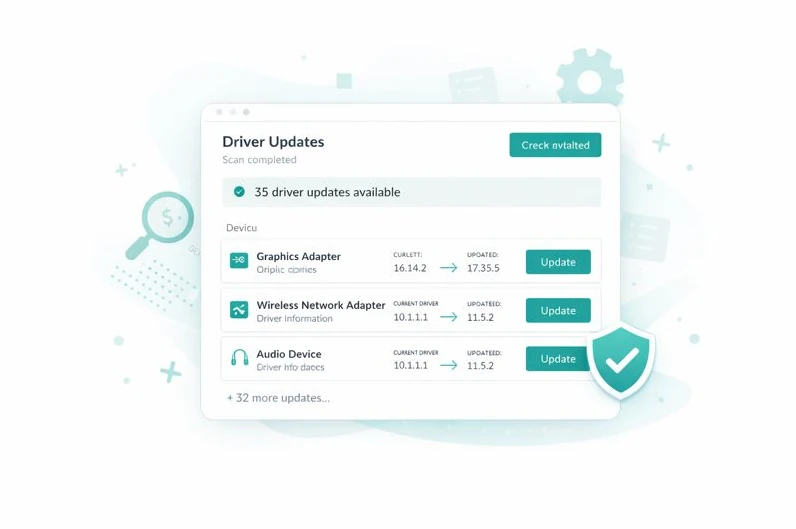
Find Available Driver Updates in One Place
Finding driver updates on manufacturer websites can be time-consuming. Tweakrix Driver Updater scans installed driver versions and shows available updates in one interface, so you can review devices, compare versions, and decide what to update without jumping across multiple vendor pages.
Check Installed Drivers
(Available in the desktop app)
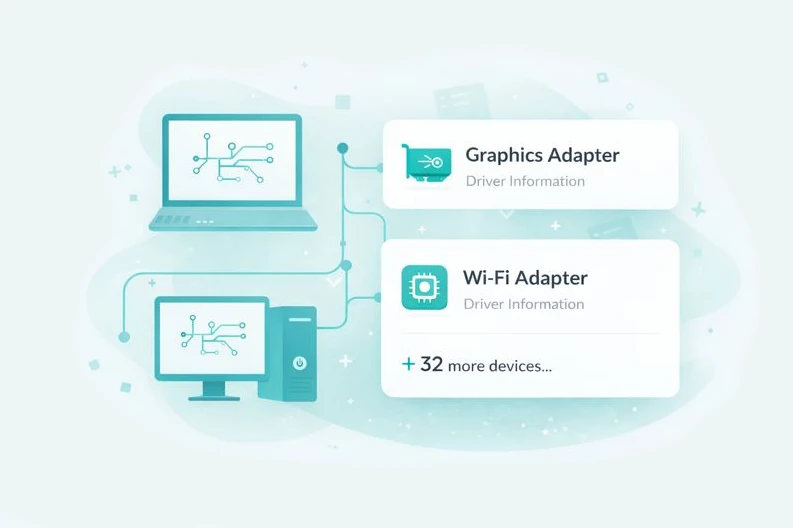
Detect Installed Devices
Different devices may require different driver versions. Tweakrix identifies installed hardware components and displays driver version and update information for supported devices. Users can review detected devices and choose whether to install available updates.
View Detected Devices(Available in the desktop app)
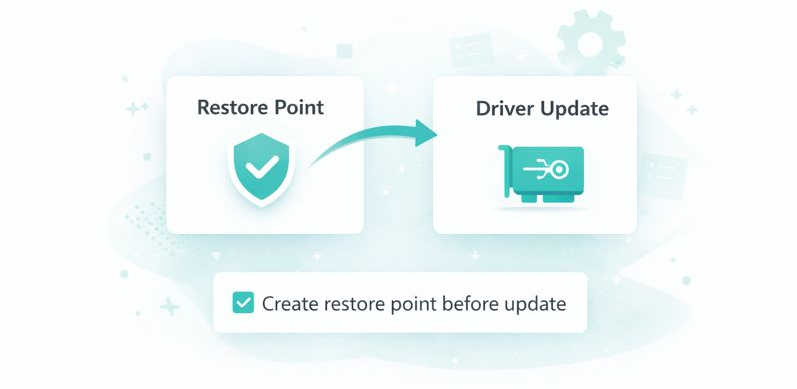
Restore Point Option Before Updates
Before installing driver updates, Tweakrix can create a restore point of currently installed drivers. This allows users to return to a previous driver version if needed. All backup and restore actions are initiated by the user.
View Backup Options(Available in the desktop app)
Compatibility Details
Requirements
Standard Windows-compatible PC with sufficient system resources.
Operating System
Windows® (64-bit) 7, 8, 8.1, 10, 11, Windows Server® 2012 R2, 2016, 2019, 2022
Supported Browsers
Chrome, Firefox, Edge, Opera, Safari
Simple 3-Step Driver Update Process
Scan installed driver versions, review available updates, and choose what to install.

Order with Confidence
30-Day Money-Back Guarantee
Refund PolicyTechnical Support Available
No Third-Party Offers
Direct Installer Download
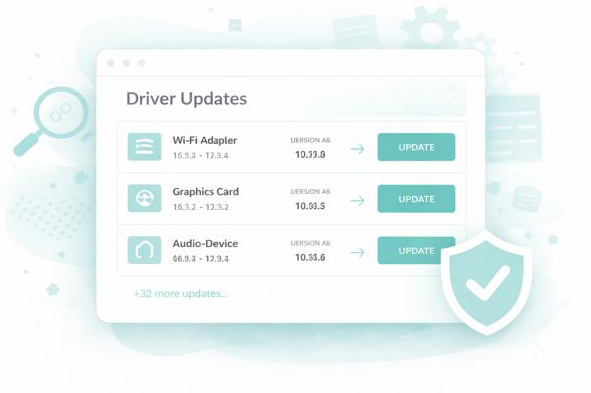
Check Your Installed Drivers
Scan installed driver versions and review available update information for supported devices.
Start Driver Scan